GPD Handhelds
Disclaimer
This wiki may contain outdated information.
GPD Win 4
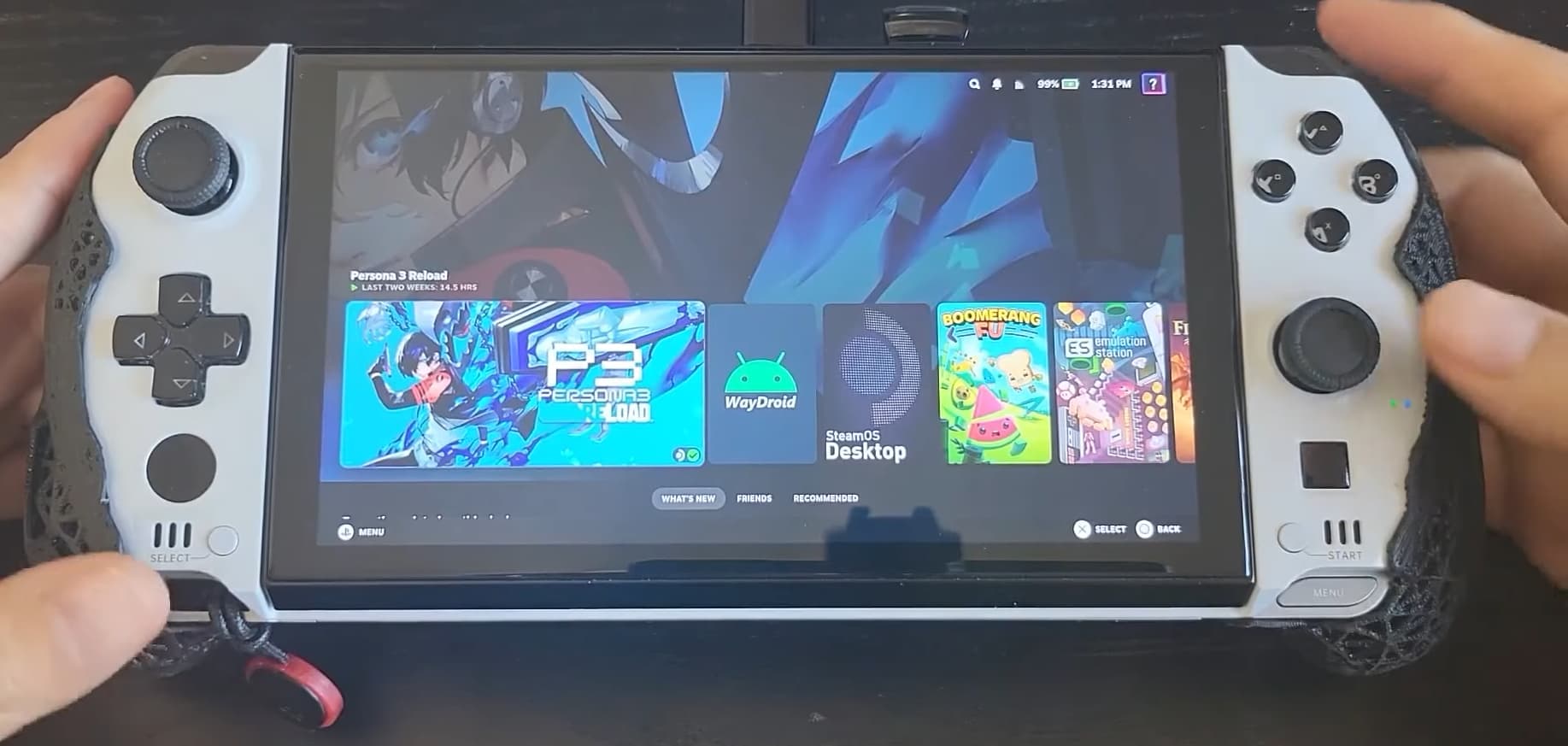
General Information & Optional Tweaks
- Adjust RGB with Steam Gaming Mode in Handheld Daemon
- Adjust the scaling of the UI in the Display Settings
- Set a charge limit in HHD with Handheld Daemon
- GPD devices also have a physical switch you can toggle to enable a separate desktop/mouse mode.
Known Issues
- Suspend-resume fully works on the 6800u Win 4 after disabling the fingerprint scanner, but there are a few user reports of the 7840u and newer models having only partially working suspend-resume.
- It seems to be very similar/related to the suspend issue on the GPD WM2 7840u and newer devices, more details here
- Games can sometimes default to 800p resolution.
- Manually change the resolution per game in the
Steam Settings > Properties > Game Resolutionto eitherNativeor other higher resolutions.
- Manually change the resolution per game in the
- Back buttons may need to be manually remapped before they are usable.
External Resource
For more information, check out the GPD Win Tips and Tricks guide which includes useful scripts for this handheld.
GPD Win Max 2
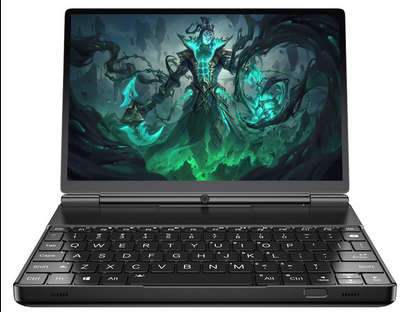
Optional Tweaks
- Steam Gaming Mode Display settings that are recommended to be changed:
Use Native Color Temperature- Enabled
- GPD devices also have a physical switch you can toggle to enable a separate desktop/mouse mode
- Adjust RGB with Steam Gaming Mode in Handheld Daemon
- Adjust the scaling of the UI in the Display Settings
- Set a charge limit in HHD with Handheld Daemon
Known Issues
- Suspend-resume works on the WM2 6800u model after disabling the fingerprint scanner, but 7840u and newer models have only partially working suspend-resume.
- Read about the issue here for details on suspend-resume issues for the newer WM2 devices.
- If you install your OS on an m2 2230 SSD in the secondary drive slot, it can cause suspend issues.
- You should install your OS onto the primary internal SSD only.
- Games can sometimes default to 800p resolution
- Manually change the resolution per game in the
Steam Settings > Properties > Game Resolutionto eitherNativeor other higher resolutions.
- Manually change the resolution per game in the
- Gyro is non-functional.
- Back buttons may need to be manually remapped before they are usable.
External Resource
For more information, check out the GPD Win Tips and Tricks guide which includes useful scripts for this handheld.