ujust Commands
Usage

Note
Use the Bazzite Portal application as a graphical interface for popular ujust commands.
ujust commands that automate tasks using scripts which can be utilized to for system configuration and maintenance. It also can install specialized software that ships with Bazzite as an installation script by the maintainers and contributors of the project. Please note that some of the software that can be installed from ujust commands can add layered packages to your installation which is generally not recommended.
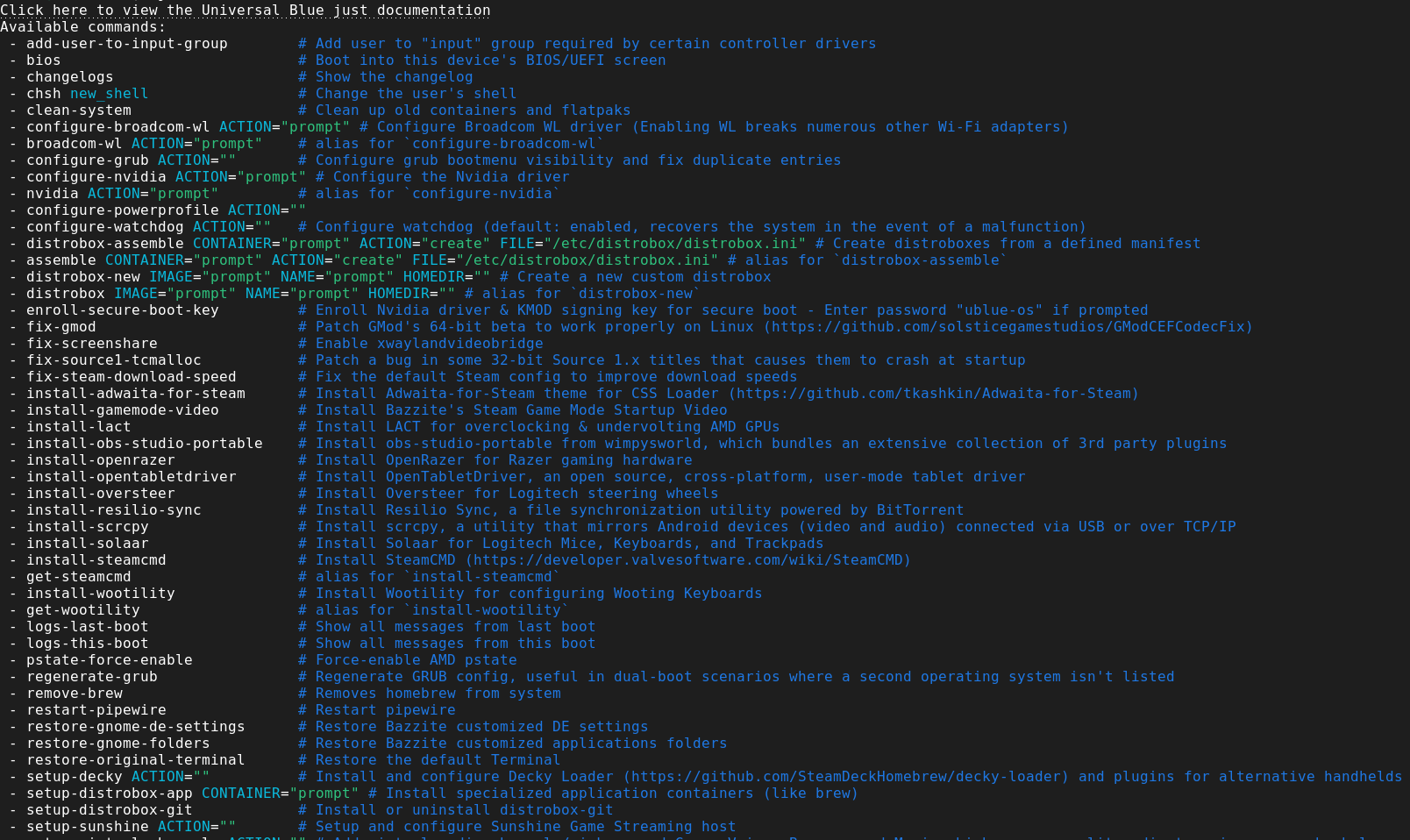
This will output a list of available commands.
Open a host terminal and enter this command:
ujust
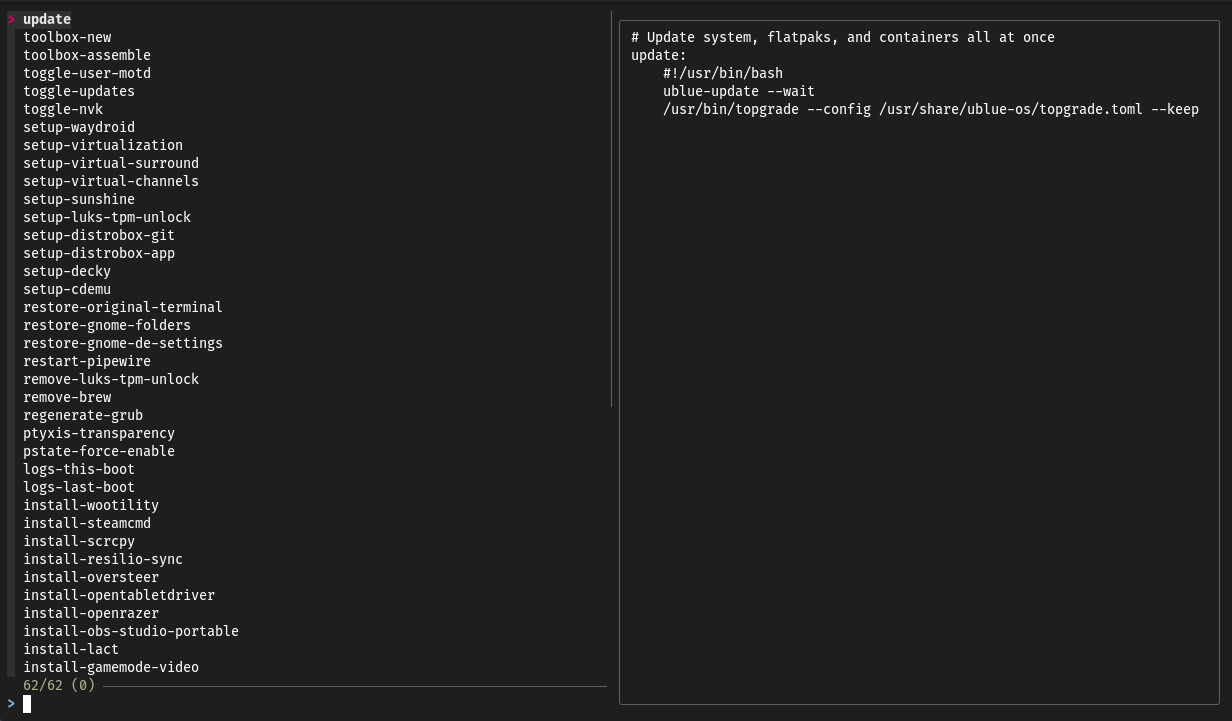
ujust --choose
This will show a terminal user interface of ujust commands that you can choose to execute with arrow keys or mouse input.
Attention
Commands that require values or flags do not function with this method.
Manually entering commands
Find the command you want to use and enter:
ujust <command>
You can search for specific commands by entering:
ujust | grep "<search keyword(s)>"
install-: Install program, there is no configuration or uninstall commands at this time.
- Warning: Some of the applications avaliable to install as aujustcommand can end up layering packages to your system.get-: Install an "extension" like Decky plugins, and if it is an extension then it can useget-too.setup-: Install program, provides uninstall and configuration options for after install.configure-: Configure something that came by default on the image.- If it must be installed first, then it will be in
setup-.
- If it must be installed first, then it will be in
toggle-: Enables or disables a feature or setting.- Selection might be automatic or manual depending on implementation.
fix-: Fixes, patches or works around an issue.distrobox-: Distrobox exclusive verb intended to make container usage easier.foo: Replace this with whatever the command is called.- These are shortcuts that we have deemed necessary to not have a verb.
- Examples:
ujust update&ujust enroll-secureboot-key
- Examples:
- These are shortcuts that we have deemed necessary to not have a verb.
View each ujust script's source code
If you would like to see what each script does for each command then open a host terminal and enter:
ujust --show <command>
Alternatively, you can find the ujust commands locally in:
/usr/share/ublue-os/just
Note
This directory also shows hidden ujust commands.
ujust Script Overview
These are just some of the common Bazzite ujust script examples, there are much more available which are viewable with ujust --choose as mentioned above.
Maintenance Scripts
- ujust update - updates system, flatpaks, and containers all at once
- ujust configure-grub - Configures GRUB boot menu visibility
- ujust fix-reset-steam - Reset the Steam folder back to a fresh state without removing games, music, saves, etc. Very useful if Steam is giving trouble or if you are getting a blank screen in Game Mode
- ujust fix-proton-hang - Force terminates all processes related to wine and proton. Useful if you can't launch games after a game fails to close properly
- ujust bios - Reboots straight into this device's BIOS/UEFI screen
- ujust restart-pipewire - Crackling audio? Restarting Pipewire sometimes fixes that
- ujust enroll-secure-boot-key - Enrolls the Nvidia driver & KMOD signing key for secure boot. You'll need this if you want to use Bazzite with Secure Boot enabled
- ujust clean-system - Cleans up old unused podman images, volumes, flatpak packages and rpm-ostree content
Configuration/Enabling Scripts
- ujust configure-waydroid - a configuration helper for Waydroid. More information in Waydroid Setup Guide
- ujust setup-virtualization - setup and configure virtualization and vfio
- ujust setup-sunshine - toggle Sunshine Game Streaming host on or off
- ujust setup-luks-tpm-unlock - enable auto LUKS unlock via TPM
- ujust setup-decky - Install and configure Decky Loader
- ujust setup-boot-windows-steam - Adds a script in Steam to boot Windows which is useful for dual-boot setups
- ujust enable-tailscale - Enables support for Tailscale
- ujust enable-supergfxctl - Enable Supergfxctl, a GPU switcher for hybrid laptops
- ujust bazzite-cli - Bazzite CLI mod for Bluefin styled cli enhancements. More information in Bazzite Command Line Tools
Troubleshooting Scripts
- ujust logs-last-boot - Shows all messages from last boot
- ujust logs-this-boot - Shows all messages from this boot
- ujust device-info - Gathers useful device information to a pastebin. This is very useful for providing information when creating support tickets.